

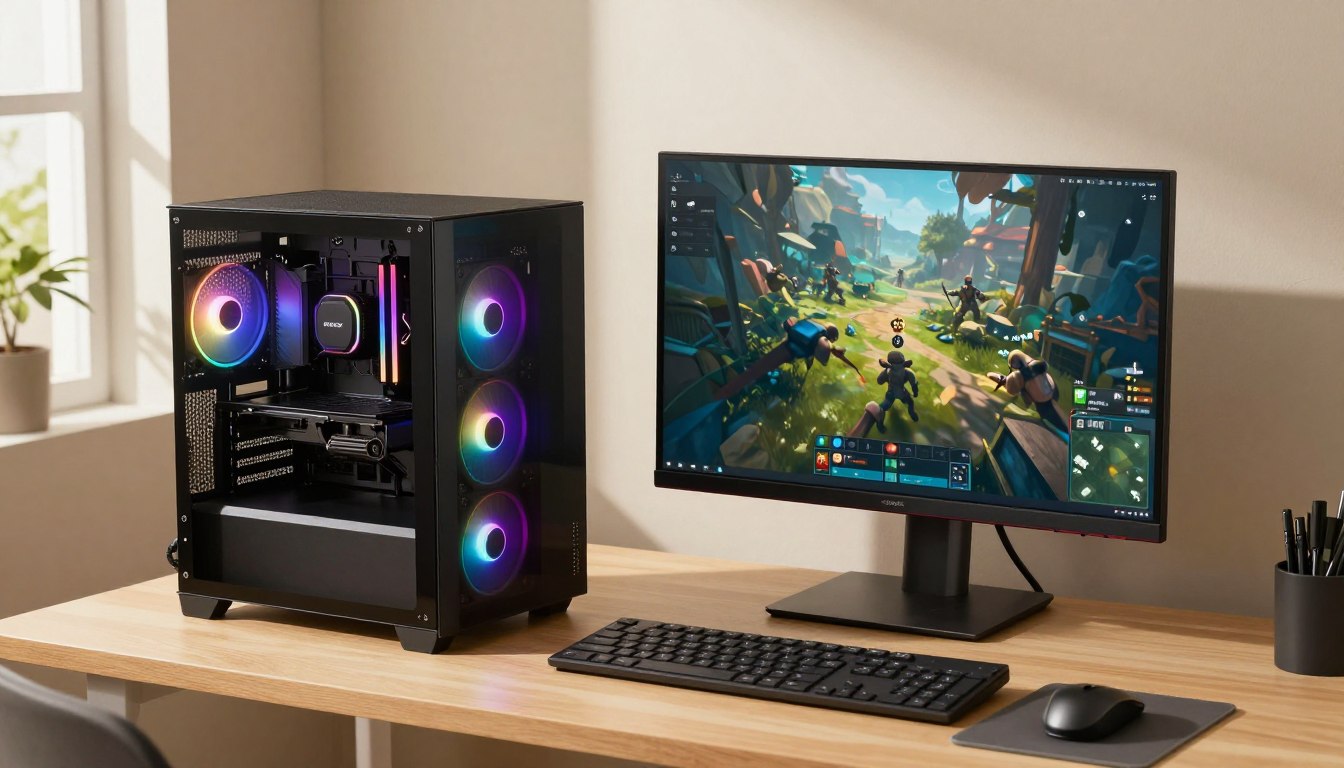
The best affordable PC for gaming is the one that can run your games smoothly at the resolution you actually use, without paying for power you will not benefit from. For most budget-minded players, a prebuilt with a discrete graphics card and 16GB of RAM is a sensible starting point. VRAM is dedicated memory on a graphics card that holds visual data for games.
Affordable can mean under $500, under $1,000, or an entry-level system in 2026. Your games and display help decide which tier makes sense. This guide covers ready-to-play towers as well as full setups, so you can plan for the screen and accessories you need.
Key Takeaways
- Match the graphics card to the games and resolution you play.
- Set a firm tower budget before comparing gaming PCs.
- Check the exact component list, not just the prebuilt’s model name.
- Leave room in your budget for a monitor and essential accessories.
- Set a maximum for the tower first, then reserve room for the display and other essentials.
What Is the Best Affordable PC for Gaming Under $1,000?
For a sub-$1,000 tower aimed at 1080p gaming, the MSI Codex R2 is the strongest named fit in this guide. Its Intel Core i5-14400F and GeForce RTX 4060 give you a discrete GPU and a capable CPU for a balanced budget gaming system.
The listed configuration includes 16GB of DDR5 RAM, a 1TB NVMe SSD, and a 650W Gold power supply. The RTX 4060 has 8GB of VRAM, giving it a stronger graphics foundation than integrated graphics. Those parts can suit 1080p play without paying for a much higher graphics tier.
For a sub-$1,000 tower, prioritize a discrete GPU and a balanced configuration over a premium CPU name.
1080p generally asks less of a gaming PC than 1440p or 4K. That makes this Codex R2 configuration a practical choice if you want more gaming performance than an entry system with integrated graphics can offer.
Actual results depend on the game, resolution, and graphics settings. A demanding new release at high settings can place a different load on the system than a lighter competitive game. The GeForce RTX name alone does not promise a fixed frame rate across every title.
Among the gaming PCs named here, the Codex R2 is the clearest fit for a buyer who has a strict tower ceiling below $1,000. Its SSD gives you room for a starting game library, while the 650W Gold supply is a defined part of the listed build.
Compare the exact parts in the listing with the games you play most often. Confirm the exact configuration before checkout, since a model name can cover different component options.
What Can You Get From a Gaming PC Under $500?
Below $500, the biggest compromise is often graphics performance or memory, not the fact that the computer can launch games at all. The HP Victus 15L is the named option with a listed configuration under $500, while the MXZ and abytespark offer different graphics trade-offs.
A cheap gaming PC under $500 can use integrated graphics or a discrete graphics card, and those are materially different choices. Integrated graphics share system resources; a discrete card has its own graphics hardware and VRAM. The specifications below make that difference clear.
| Model | CPU | Graphics | RAM and SSD |
|---|---|---|---|
| HP Victus 15L | Ryzen 5 5600G | Radeon RX 6400, 4GB GDDR6 | 8GB DDR4, 512GB NVMe SSD |
| MXZ R5 5600GT | 6-core, 12-thread Ryzen 5 5600GT | Radeon Vega 7 integrated graphics | 16GB DDR4, 1TB NVMe SSD |
| abytespark AOV590 | 6-core, 12-thread Ryzen 5 5500 | Radeon RX 590, 8GB GDDR5 | 16GB DDR4, 512GB NVMe SSD |
The HP Victus 15L combines a Ryzen 5 5600G with a discrete RX 6400, but its listed configuration has 8GB of DDR4 RAM. That is a significant compromise for modern gaming. The cost and effort of a memory upgrade should be part of your comparison.
Another HP Victus configuration in an under-$500 roundup also has 8GB of DDR4-3200 RAM. Similar product names can hide different configurations, so check the memory details rather than assuming they match.
The MXZ R5 5600GT has 16GB of RAM and a larger SSD, but relies on integrated Vega 7 graphics. The abytespark AOV590 uses a discrete RX 590 with 8GB of VRAM and 16GB of RAM. For the best gaming PC under $500, compare that graphics trade-off against the games you want to play.
The listed HP Victus 15L configuration is the named sub-$500 option here. The MXZ and abytespark systems may fit different priorities, but their graphics choices are not interchangeable. Check whether the seller’s exact configuration includes a discrete graphics card and enough RAM before judging two similarly named systems.
Which Budget Gaming PC Fits Each Play Style?
A lighter-game player, a graphics-focused 1080p player, and someone short on desk space should not buy the same configuration. The best budget gaming option depends on whether you prioritize the initial spend, graphics performance, or size.
Choose around your regular games and the space you have available, rather than the most impressive component name. Each type of system makes a different compromise.
For lighter games and the lowest entry cost
Integrated graphics can fit lighter games, everyday tasks, and a modest first gaming setup. The PELADN HA-4 pairs an AMD Ryzen 7 7840HS with Radeon 780M integrated graphics, 16GB of DDR5 RAM, and a 512GB NVMe SSD.
That combination is a different kind of option from a tower with a discrete graphics card. It can make sense when you play less demanding games and want a compact desktop for general use. Do not treat its CPU model as proof that it will match a dedicated GPU in graphics-heavy games.
For a stronger 1080p graphics card
The NZXT Player One line starts at $829, and its least expensive configuration uses an RTX 3050. A $999 Player One configuration replaces that card with an RTX 5060, making it the more suitable named option for graphics-heavy 1080p gaming.
The difference matters because the GPU usually sets the graphics limits in games. The RTX 5060 configuration costs more than the line’s starting point, but its graphics tier is a better match if demanding titles are part of your regular play.
For a compact desktop with integrated graphics
A compact or small-form-factor system can free up desk space and fit more easily into a shared room. The trade-off is physical: a smaller case can leave less room for future parts, including a larger graphics card or additional cooling.
Consider where the PC will sit and which games you play most often. A compact system may suit a limited desk better than a full tower, while a larger case can offer more room to work inside. Choose the PC around your most demanding regular game, not the easiest title in your library.
Is a $500 Gaming PC Good Enough for 1080p?
A $500 PC can be good enough for 1080p if you accept low-to-medium settings and choose games that suit its graphics hardware. That can mean turning down effects, shadows, or texture detail to keep a game playable rather than aiming for the highest visual quality.
Hands-on tests of PCs priced around $500 produced over 35 fps in most games at 1080p low-to-medium settings. That result is an expectation for most games under those conditions, not a promise for every title or configuration. Low-to-medium settings do not guarantee the same frame rate at high settings.
Lighter esports games and many indie games are more realistic targets for this price tier than demanding AAA releases. A new or graphics-heavy game can need lower settings to run smoothly. Visual quality also varies from title to title, so one game’s medium preset may look different from another’s.
Use these three checks before you judge a low-cost gaming PC:
- Identify the game you want to play most.
- Lower graphics settings if the game struggles.
- Check whether the PC has a discrete GPU.
The graphics card can shape the experience more than a headline CPU name. If the system uses integrated graphics, expect different limits than a PC with a discrete card.
A frame-rate result matters only alongside its conditions. Treat a frame-rate result as useful only when the resolution, settings, and game are stated alongside it.
How Much Should You Spend on a Gaming PC in 2026?
A strict $500 ceiling means accepting significant compromises, while the 2026 entry-level desktop tier begins at $1,000. Mid-range systems cost more, but target a higher resolution and stronger performance across most titles.
Choose a price band by matching the graphics tier to your target, not by stretching your budget for a larger number alone. These tiers show how the expected use and starting parts change with spending.
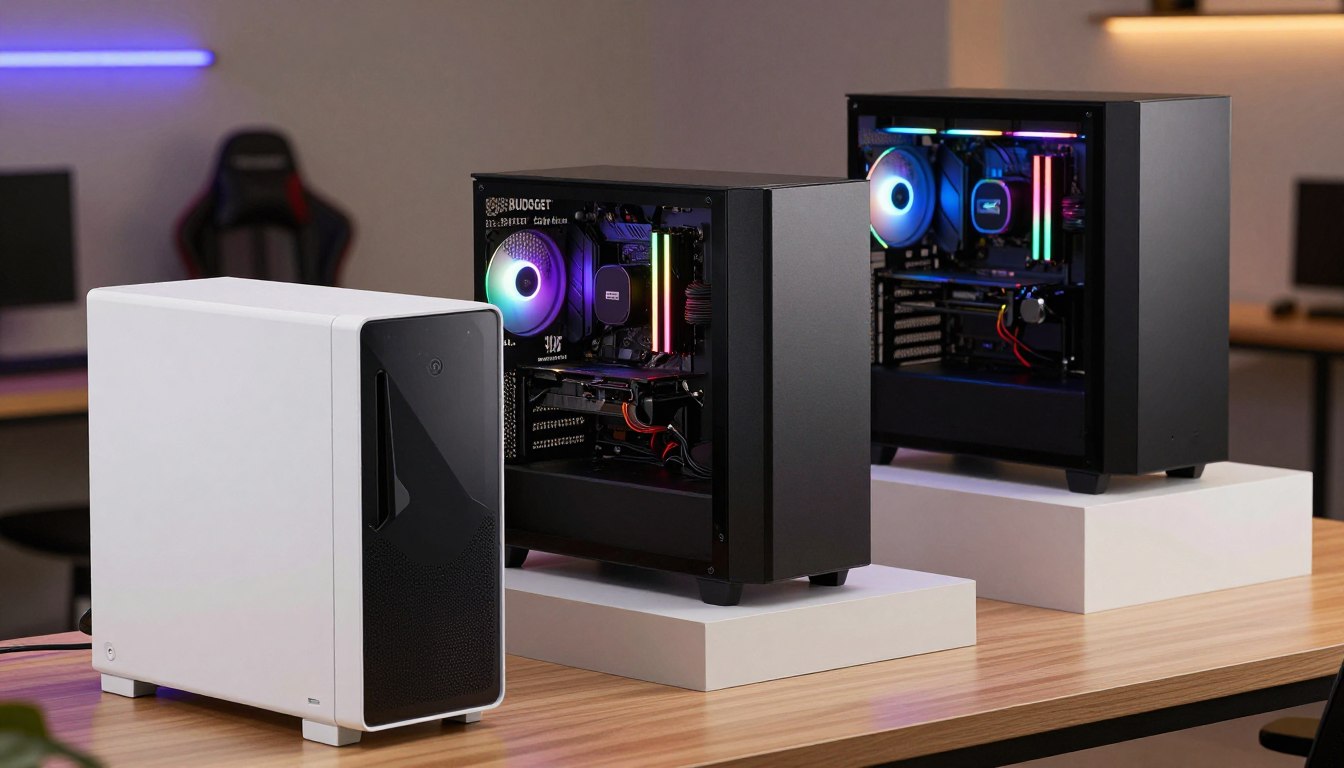
| Tier | Price band | Graphics tier and target | Memory and storage starting point |
|---|---|---|---|
| Constrained entry point | Under $500 | Varies by configuration; constrained gaming choice | Varies by system |
| 2026 entry-level | $1,000-$1,200 | RTX 5060 or RX 7600 class; 1080p at 60+ fps on medium-to-high settings | 16GB DDR5; 512GB-1TB SSD |
| 2026 mid-range | $1,200-$2,200 | RTX 5070 or RTX 5070 Ti; 1440p at 100+ fps on high settings for most titles | Starting point not specified |
Entry-level desktops in the 2026 tier typically start with 16GB of DDR5 and a 512GB-1TB SSD. The price range gives you a clearer baseline than the under-$500 tier, where configurations and limits vary widely.
The CyberPowerPC Gamer Xtreme was listed at $1,099.99 as a budget desktop for 1080p gaming. Its configuration includes an Intel Core Ultra 5 225F, MSI GeForce RTX 5060, 32GB DDR5-6400, and a 2TB SSD.
That system sits just above a strict $1,000 ceiling. A $100 difference can change the configuration available, so decide whether your limit is firm or flexible before comparing deals.
Mid-range spending targets 1440p play at higher settings, while an entry-level system is aimed at 1080p. Set your ceiling in dollars before comparing systems, then check whether that amount includes only the tower.
Which Components Matter Most for Budget Gaming?
For most gaming builds, the GPU has a more direct effect on frame rates than a premium CPU or a case full of lighting. Compare the graphics card first, then decide whether the CPU adds value for your games or other workloads.
That order helps you avoid paying for a powerful CPU that cannot fix a weaker graphics card. The components inside a budget gaming PC should work as a balanced system, not as a collection of impressive names.
The GPU sets most graphics limits
The GPU usually has the largest effect on gaming performance, especially when a game pushes detailed visuals. A stronger card can help with higher graphics settings, but the benefit depends on the games you play and the display target.
Look beyond the brand family and compare the exact GPU model and its VRAM. Paying extra for a CPU upgrade may not improve the games you play if the GPU remains the limiting part.
The CPU supports frame pacing and other tasks
The CPU matters for gaming, frame pacing, and multi-threaded work such as video processing, rendering, and encoding. Intel Core Ultra 200S chips are more efficient, but are not strong gaming performers compared with previous generations. Intel 13th and 14th Gen Core chips remain viable gaming choices.
AMD Ryzen 9000 processors are powerful, and the cache-heavy Ryzen 7 9800X3D is a gaming-focused option. These examples serve different use cases; the names alone do not establish a universal performance ranking.
Cooling and power affect day-to-day use
Cooling and power affect stable operation and how much noise you hear during a gaming session. A PC’s headline CPU and GPU specs tell only part of the story if its cooling cannot manage component heat or its power supply does not suit the installed parts.
Use three checks when comparing gaming PCs:
- GPU model and VRAM.
- CPU generation and intended use case.
- Cooling and power supply details.
Those details help you distinguish useful parts from decorative features. Compare the exact GPU model first, then decide whether the CPU adds value for your games or other workloads.
How Much RAM Do Gaming PCs Need?
For most gaming PCs in 2026, 16GB is the minimum and 32GB is the more comfortable choice. Pick the amount that fits your session, because more RAM does not automatically raise average frame rates.
A game can use 12-14GB of RAM, leaving less room for other apps on a 16GB system. Your experience also depends on whether you play with a browser, voice chat, or streaming software open.
16GB for a focused gaming session
In 2026, 16GB is the minimum for gaming and can handle most current games at 1080p and 1440p during a focused session. Close extra applications if a game is near the system’s memory limit.
Eight gigabytes is insufficient for modern gaming. It can make a low-priced PC look attractive, but limited memory may lead to interruptions or force an upgrade sooner.
32GB for multitasking and headroom
Thirty-two gigabytes gives you more headroom for streaming, heavy multitasking, and games alongside other demanding apps. For most gamers, a 2x16GB DDR5-6000 kit in dual-channel mode is the recommended configuration.
Extra RAM rarely raises average FPS by much. When a game reaches a memory limit, more RAM can reduce stuttering and improve 1% lows, which describe the slower moments in gameplay.
When 64GB is more than gaming requires
Sixty-four gigabytes is mainly useful for creator workloads, not gaming alone. It can suit demanding production tasks, but most players will not need that much memory just to play games.
Here is the practical comparison: 8GB is insufficient for modern gaming; 16GB is the minimum for focused play; 32GB is comfortable for most gamers; and 64GB mainly serves creators. DDR5 delivered 1-3% higher average FPS than well-tuned DDR4 in most tested games, so that difference alone is not a reason to expect a large boost.
Check whether a prebuilt’s memory is installed as a dual-channel kit before treating its capacity as the whole story.
What Storage and Power Supply Specs Should You Check?
A fast SSD makes a PC feel responsive, but capacity decides how many large games can stay installed at once. An NVMe SSD is a solid primary-drive type to compare when you shop for gaming PCs.
Check capacity and power supply details alongside the CPU and GPU, because a fast system still needs room for games and dependable power. Call of Duty: Modern Warfare requires 231GB of installation space, while Final Fantasy XV requires 100GB of free space.
A 512GB or 1TB SSD can fill quickly when you keep several large games installed. Game sizes vary, and the operating system and other files also use drive space. A larger library may call for additional storage rather than frequent installs and deletions.
The power supply, or PSU, needs suitable wattage and connectors for the installed GPU and any realistic upgrade. A well-chosen supply is preferable to an unknown unit selected only to reduce cost.
Before buying, check whether the motherboard has free M.2 storage slots or whether the case supports another drive. That detail can determine how easily you add space later.
Look for the PSU’s model and connector details in the listing or product documentation. Check the power supply’s exact model and connectors, not just its wattage printed in a product listing.
Can You Upgrade a Budget Gaming PC Later?
A budget gaming PC can be upgraded later, but only if its case, power supply, and motherboard leave room for the parts you want. RAM, storage, and a GPU are common upgrade targets; motherboard or case changes are less straightforward.
Check compatibility before you count a future upgrade as part of today’s value. A new GPU needs physical space, suitable power connections, and a power supply that can support it.
Use this four-item checklist before treating a PC as a long-term platform:
- Case clearance for the GPU and cooler.
- PSU connectors and capacity for the intended parts.
- Motherboard compatibility with replacement components.
- Spare storage and RAM slots.
Some prebuilt systems use standardized parts, while others have specific exceptions. The Alienware Area-51 uses standardized ATX parts and a PSU intended for a gaming rig. Its chassis is 80 liters, and replacing its motherboard requires a $35 adapter kit.
That adapter is a reminder that a standard-sized case does not make every change direct. Research the specific model before assuming you can swap a motherboard or reuse every part without extra pieces.
A midrange-to-high-end graphics card is commonly a five-to-eight-year commitment for the average person in 2026. That is a broad expectation, not a guarantee for every PC; games, resolution, and settings affect how long a card remains suitable.
Before buying, look up the exact motherboard and case dimensions rather than assuming every tower uses interchangeable parts.
Should You Buy a Prebuilt Gaming PC or Build One?
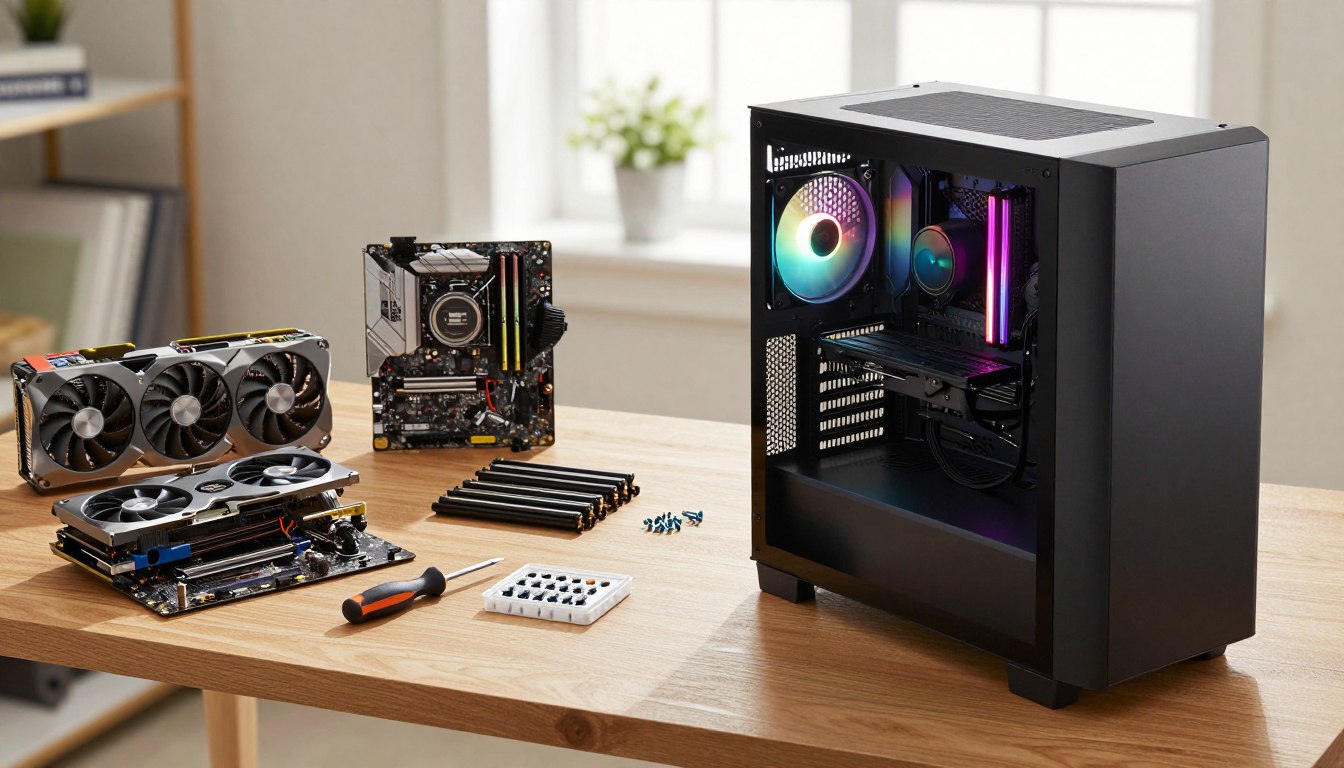
Choose a prebuilt if convenience matters most; choose a custom build if you want direct control over each component and are comfortable assembling it. Neither approach automatically guarantees better value for every buyer.
A prebuilt is ready to use, while a custom build asks you to manage the parts, assembly, and setup yourself. Your time and confidence belong in the value calculation, not just the component prices.
A prebuilt is easier to start using
A prebuilt PC arrives assembled as a ready-to-use system, so you can focus on setup and games instead of putting together the hardware. Check its exact component list and support terms, because the model name alone may cover different configurations.
That convenience can matter if you do not want to research compatibility or troubleshoot an assembly. A prebuilt may also keep the purchase process in one place, though its price still needs comparison against the parts inside.
A custom build offers more control
A custom build lets you select components around your gaming needs and budget. You also take on parts research, assembly, and troubleshooting, which can demand time even when each component is available.
Custom-system pricing spans far beyond a budget build. Maingear MG-1 systems start at $2,249, and a tested high-end configuration cost over $7,000. Those prices show a wide range, not a recommendation for a budget gaming PC.
Use this simple comparison when deciding:
- Prebuilt: assembly and a ready-to-use system are included.
- Custom build: you control component selection.
- Prebuilt: check the exact parts and support terms.
- Custom build: plan for research, assembly, and troubleshooting.
One route is not automatically cheaper or better for every buyer. Include your time and confidence with assembly in the value calculation, not just the component prices.
What Resolution Can an Affordable Gaming PC Handle?
For a genuinely affordable gaming PC, 1080p is the realistic starting target; 1440p and 4K ask more of the GPU. Choose a resolution your graphics card can handle in the games and settings you care about.
Lower resolutions put a lighter pixel load on the system, while 4K can push a budget far beyond ordinary entry-level spending. Current graphics families include Nvidia’s RTX 50-series and AMD’s RX 9070 models.
1080p is the most attainable target
1080p is the most attainable target for a lower-cost PC because it asks less of the graphics card than higher resolutions. It can be a practical choice when you want to keep the tower budget tight and still play a broad mix of games.
That target does not mean every game can run at the highest settings. Demanding titles can still need adjusted graphics options, while lighter games may be easier to run.
1440p needs more graphics power
1440p is a more demanding step and needs a stronger GPU. A 1440p 144Hz build is estimated at $1,600-$2,500, putting it above the usual low-cost gaming tier.
For mainstream graphics, AMD’s RX 9070 XT and RX 9070 offer 16GB of VRAM. Nvidia’s RTX 50-series includes the RTX 5090, RTX 5080, and RTX 5070 Ti. These are current graphics families, not recommendations for every budget.
4K raises the cost sharply
4K at 3840×2160 contains 8.3 million pixels per frame, compared with 3.7 million at 2560×1440. That creates 2.25 times the pixel load of 1440p.
An RTX 5080 is the minimum tier for targeting 4K at 60 fps on high settings in current AAA games, usually with DLSS 4 Quality upscaling. That target uses upscaling, so do not read it as native rendering at the same performance.
A 2026 4K build has a 32GB DDR5 hard floor, with a 32GB kit about $400. A complete 4K gaming PC build is estimated at $4,000-$7,500 before peripherals, depending on whether it uses an RTX 5080 or RTX 5090. Choose the resolution your monitor can display before paying extra for a graphics card intended for a higher target.
Do You Need a Gaming Monitor and Full Setup?
A gaming PC setup costs more than the tower if you still need a monitor and basic peripherals. A full set can include the display, keyboard, mouse, and headset, so reserve part of your budget for items you do not already own.
A 1440p 144Hz IPS display is a more affordable class than a 4K 144Hz HDR model. In 2026, a comparable 1440p 144Hz IPS monitor costs $250-$400, while a 4K 144Hz monitor with HDMI 2.1 and HDR costs $700-$1,200.
| Model | Size and panel | Resolution and refresh rate | Distinguishing feature |
|---|---|---|---|
| ASUS ROG Swift OLED PG32UCDM Gen3 | 32-inch QD-OLED | 4K, 240Hz | QD-OLED gaming monitor |
| LG 27GX790B-B | 27-inch WOLED | 2560×1440, 540Hz | Dual mode reaches 720Hz at 720p |
| Dell Alienware AW2725DF | 27-inch QD-OLED | 2560×1440, 360Hz | QD-OLED gaming monitor |
Refresh rate describes how often a monitor can update its image each second. A high refresh rate may suit fast competitive games, but it does not make the graphics card render more frames by itself.
Match the display’s refresh rate to the games you play and the graphics performance your PC can deliver. A monitor with a higher number is not automatically a better choice if the tower cannot make good use of it.
Write down every item you need before comparing the total cost of a full setup.
What Should You Inspect Before You Buy?
A short inspection of cooling, support, and connections can reveal a compromise that a component list hides. Noise, included support, and connection options deserve a place beside CPU and GPU names in your comparison.
A case’s appearance does not prove that its airflow is good or that it will run quietly. Look for concrete details about cooling and ports, then consider what you will use every day.
| PC model | Relevant build or cooling detail | Ownership check |
|---|---|---|
| Corsair Vengeance a7500 | Two-year warranty | Read the support terms for the exact configuration |
| Asus ROG G700 | 240mm liquid cooler, 32GB RAM, 2TB storage, 850W PSU | Wi-Fi 6; no 2.5-inch or 3.5-inch drive mounting points or cages |
| CyberPowerPC Gamer Xtreme | CPU cooler included | Loud CPU cooler |
The Corsair Vengeance a7500 has a two-year warranty, so its support period is a concrete ownership detail to weigh. The Asus ROG G700 includes a 240mm liquid cooler, 32GB of RAM, and 2TB of storage.
The Asus system has Wi-Fi 6 and an 850W PSU, but lacks mounting points or cages for 2.5-inch or 3.5-inch drives. That can matter if you want to add a traditional drive later. Its limited RGB customization is another detail for buyers who care about case lighting.
The CyberPowerPC Gamer Xtreme has a loud CPU cooler. Noise can affect a system that otherwise looks appealing on paper, especially if you use it close to your desk.
Check the return and warranty terms attached to the exact configuration before you place an order.
When Should You Skip the Cheapest Gaming PC?
Skip the cheapest PC when its graphics limits, missing connections, or likely upgrade costs conflict with how you plan to use it. Do not choose a low price over a must-have feature that you already know you need.
A low-cost system may not suit demanding games at high settings, or it may lack a port you use every day. The Quoted Tech Shield shows why graphics results and connectivity deserve separate attention.
The Quoted Tech Shield averaged well over 100 fps at 1440p maximum settings in tested modern titles. It has USB-A ports but no USB-C ports, so strong reported gaming performance does not solve a connection need.
That result applies to tested titles and the particular system configuration. It does not guarantee similar performance across games or versions of the PC. A game’s graphics load and settings can change the outcome.
Reject a low-priced configuration if it cannot meet one must-have requirement you already know you have.
A missing port may matter more than extra graphics speed if you rely on USB-C for a device. A system that needs an immediate, costly upgrade may also end up being a poor value for your needs.
Use this short filter before you buy:
- Does the graphics hardware fit your regular games?
- Can the PC run them at settings you will accept?
- Does it include the connections you need?
- Would you need an immediate upgrade to make it usable?
Reject a low-priced configuration if it cannot meet one must-have requirement you already know you have.
Conclusion
For most budget-minded players, a 1080p prebuilt with a discrete GPU and at least 16GB of RAM is the sensible starting point. That gives you a clear baseline without pushing you toward a graphics tier you may not use.
For a tighter budget, 1080p is the practical target. Compare the exact configuration with the games you play and the monitor you own or plan to buy. Pick your target games and display, then compare the exact system configuration against both before you buy.
FAQ
Is a $500 PC good for gaming?
Yes, a $500 PC can handle 1080p gaming when you keep expectations reasonable. Around-$500 PCs produced over 35 fps in most games at low-to-medium settings in hands-on tests. That result does not promise the same performance in every title, at high settings, or with every configuration. Lighter games are a more comfortable fit than demanding new releases.
What is the best budget gaming PC set?
The best budget gaming PC set starts with a tower that fits your games, then adds a monitor and essential peripherals. A set usually means the PC plus a display, keyboard, mouse, and sometimes a headset. Choose the tower first so its graphics performance matches your screen. Reserve money for the display and accessories rather than spending your entire budget on the computer.
Is a $2000 PC good for gaming?
Yes, a $2,000 PC is a strong gaming budget for many players. The 2026 mid-range tier spans $1,200-$2,200 and targets 1440p at 100+ fps on high settings for most titles. Actual results still depend on the game and configuration. This budget can also leave room to choose a display that suits the system’s performance.
How long will a $1000 gaming PC last?
A $1,000 gaming PC may remain useful for years, but its lifespan depends on its graphics card and your expectations. A midrange-to-high-end GPU is commonly a five-to-eight-year commitment for the average person in 2026. That is not a guarantee of top settings for that entire period. New games, resolution, and graphics settings all affect whether performance still feels adequate.
Is 32 GB RAM overkill gaming?
No, 32GB is not overkill for many gamers, especially if you stream or multitask while playing. Sixteen gigabytes is the minimum for gaming, while 32GB is a comfortable amount for most players. Sixty-four gigabytes is mainly useful for creator workloads. More RAM does not automatically raise average frame rates, but it can help when memory limits cause stuttering.
How much RAM for 4K gaming?
Treat 32GB of DDR5 as the hard floor for a 4K gaming build. That memory requirement is separate from the graphics card needed to render games at 4K. The GPU still has to handle the resolution and settings you choose. A larger memory capacity does not make a graphics card powerful enough for 4K on its own.
Is 256 GB of RAM overkill?
Yes, 256GB of RAM is far beyond what gaming alone requires. Thirty-two gigabytes is comfortable for most gamers, while 64GB is mainly useful for creator workloads. A 256GB setup may suit specialized professional tasks, but it is not a sensible gaming priority for most people. Put that budget toward parts that better match your games.
Do I need 16GB or 32GB RAM for gaming?
Choose 16GB for a focused gaming session, or 32GB for heavy multitasking, streaming, and more headroom. Sixteen gigabytes can handle most current games during focused play, while some games use 12-14GB by themselves. If you keep other demanding apps open, 32GB gives them more room. Check that the installed memory uses dual-channel mode.
If you want to dig further into how to start e-commerce business in 2026, read our How to Start E-commerce Business in 2026 guide.
If you want to dig further into has technology become new addiction? comprehe, read our Has Technology Become New Addiction? Comprehe guide.
If you want to dig further into does china have cryptocurrency? unpacking dig, read our Does China Have Cryptocurrency? Unpacking Dig guide.